Rebase How You Emulate on Dolphin Version 1.19!
Uploaded by SternXD on April 27, 2025
DolphinUWP – v1.1.9
Changelog
Major features
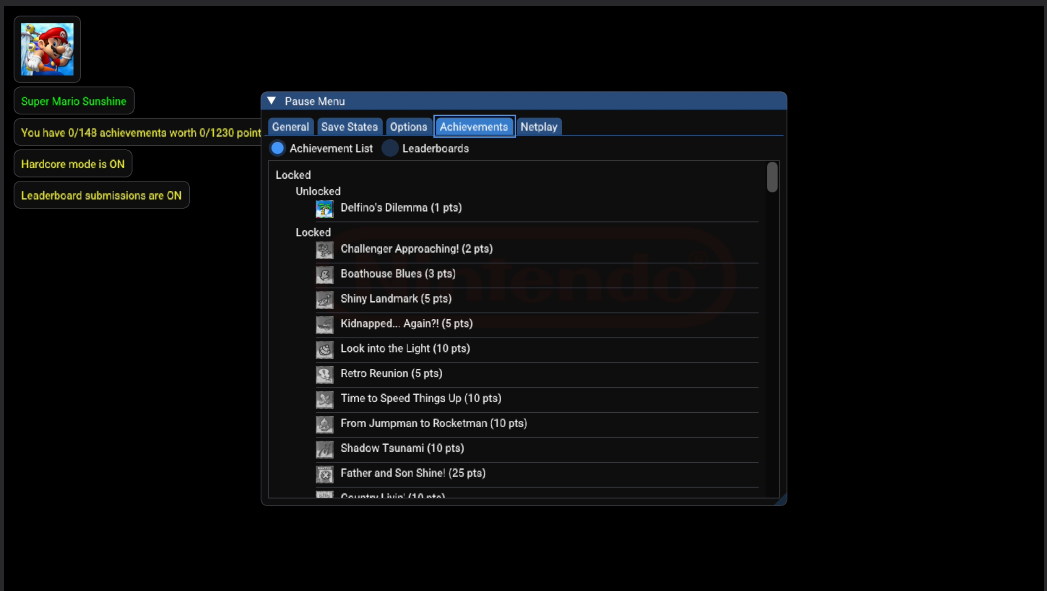
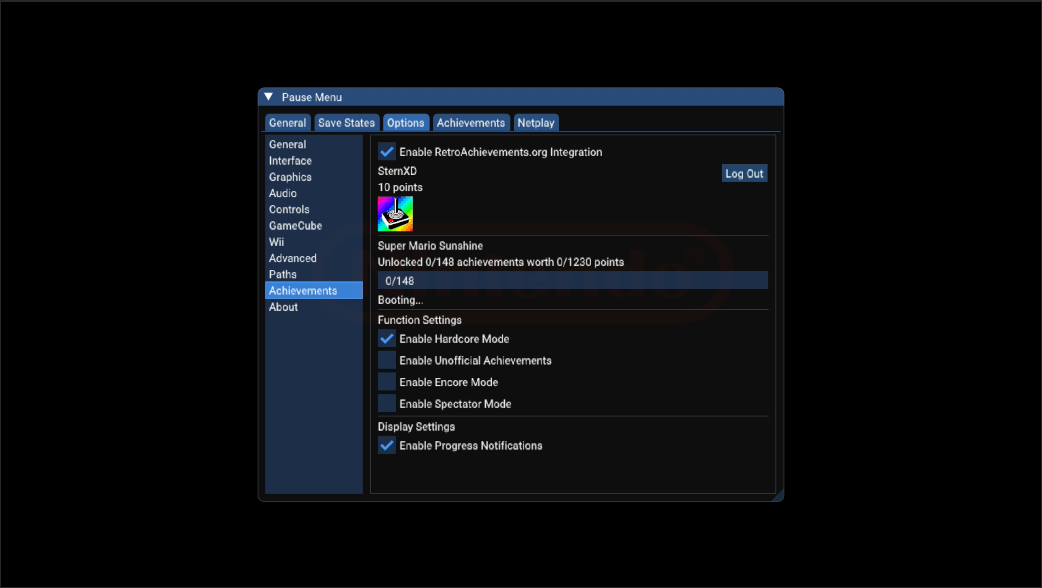
- RetroAchievements integration – unlock Soft and Hardcore achievements through the official RetroAchievements API with its own Achievements tab.
- DSU Support – stream data from DualShock 4/5, Switch controllers, Android phones, etc. in the new Alternate Input Sources tab in controls.
- Button Mapping support – remap your Xbox controller on the fly; no more ini-file hassle (mileage may vary – avoid changing while in-game).
- GameCube & Wii Menu – boot straight to system menus from Settings.
- Wii Online System Update – region picker + progress dialog.
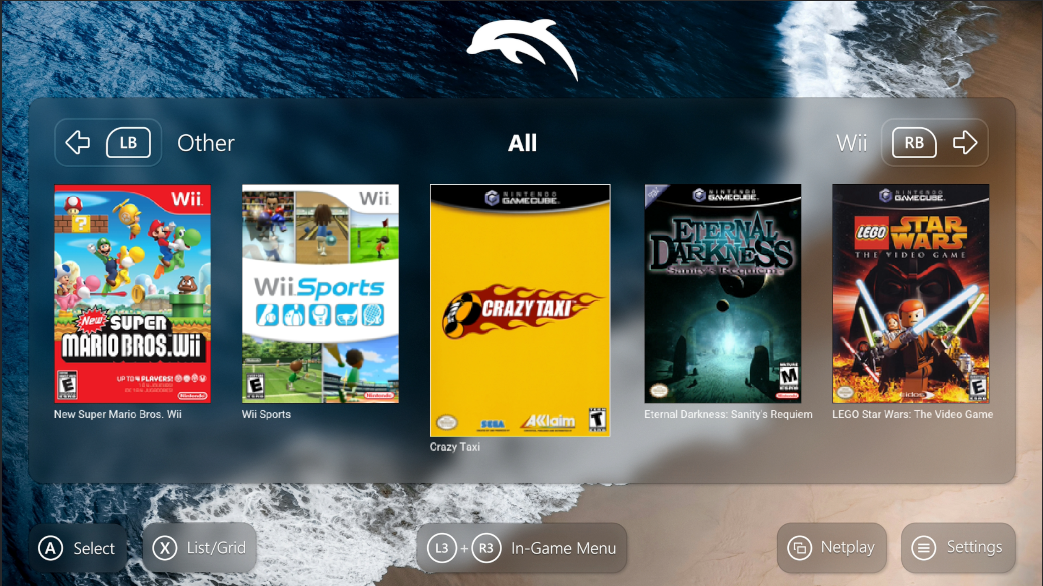
- Theme engine now accepts JPEG backgrounds and ships the new Flipper 2.2 by @fffathur.
- Synced to upstream 2503a-340 (prev. 5.0-21264).
PC Dolphin settings now available on Xbox / UWP
Almost every option from the PC Qt UI is now exposed.
| Category | Newly-exposed options |
|---|---|
| Graphics → General |
•
•
Backend selector (D3D12 / D3D11)
•
Aspect Ratio (Auto / Force 16:9 / Force 4:3 / Stretch)
•
Internal Resolution (Auto → 8×)
•
Shader Compilation Mode (Synchronous / Skip Drawing)
•
Compile Shaders Before Starting
•
Shader Cache
•
V-Sync
|
| Graphics → Enhancements |
•
Per-Pixel Lighting
•
Disable Fog
•
Disable Copy Filter
•
Force True Color
•
Arbitrary Mipmap Detection (+ Threshold)
•
•
Anisotropic Filtering (1×–16×)
•
MSAA (None / 2× / 4× / 8×)
•
SSAA
|
| Graphics → Hacks |
•
Enable EFB Access from CPU
•
Emulate Format Changes
•
Store EFB Copies to Texture Only
•
Defer EFB Copies to RAM
•
Texture Cache Accuracy (Safe / Normal / Fast)
•
GPU Texture Decoding
•
Store XFB Copies to Texture Only
•
Immediately Present XFB
•
Skip Presenting Duplicate Frames
|
| Graphics → Advanced |
•
Show FPS / VPS / Speed / Speed Colors
•
Overlay Stats
•
Log Render Time to File
•
Enable Wireframe
•
Show Projection Stats
•
Texture Format Overlay
•
Enable API Validation Layers
•
Load & Prefetch Custom Textures
•
Disable EFB VRAM Copies
•
Enable Graphics Mods
•
Dump Textures / Base Textures / Mip Maps
•
PNG Compression Level
•
Resolution Type (Window / Aspect-Corrected Internal / Raw Internal)
|
| Audio |
•
Backend (Cubeb / WASAPI)
•
Volume
•
Latency (0–200 ms)
•
DSP Engine (HLE / LLE Recompiler / LLE Interpreter)
•
Audio Buffer Size
•
Mute on Speed Limit
•
Fill Gaps
|
| General |
•
Enable Dual-Core
•
Enable Cheats
•
Speed Limit (0.1× → 2.0×)
•
Fallback Region (NTSC-JP / NTSC-NA / PAL / KR)
•
Change Discs Automatically
|
| Config → Advanced |
•
CPU Core (Interpreter / Cached Interpreter / JIT64 /
•
Enable MMU
•
Pause on Panic
•
Write-Back Cache
•
Sync-on-Skip-Idle
•
Emulate Disc Speed
•
CPU Clock Override (6%–400%)
•
Memory Size Override (MEM1 24–64 MB / MEM2 64–128 MB)
•
Enable Custom RTC
•
Defer EFB Cache Invalidation
•
Fast Texture Sampling
•
Cull Vertices on CPU
•
Prefer VS for Point/Line Expansion
|
| GameCube |
•
GC IPL Settings (System Language)
•
Skip Main Menu
•
Load GameCube Main Menu
•
Slot A/B options
•
SP1 Device (BBA)
|
| Wii |
•
Enable PAL60
•
WiiConnect24 via WiiLink
•
System Language
•
Sound Mode
•
Insert SD Card
•
Allow Writes to SD
•
SD Card Path & Size (128 MB–32 GB)
•
Sensor Bar Position
•
IR Sensitivity
•
Speaker Volume
•
Online System Update
•
Install WAD
|
| Interface |
•
Show OSD toggle
•
Theme selector (default: Flipper 2.2 Beached)
|
| Achievements |
•
Hardcore Mode
•
Unofficial Achievements
•
Progress Notifications
|
To help you get started, ReviveMe has made a handy tutorial video you can check out below.